
English
English
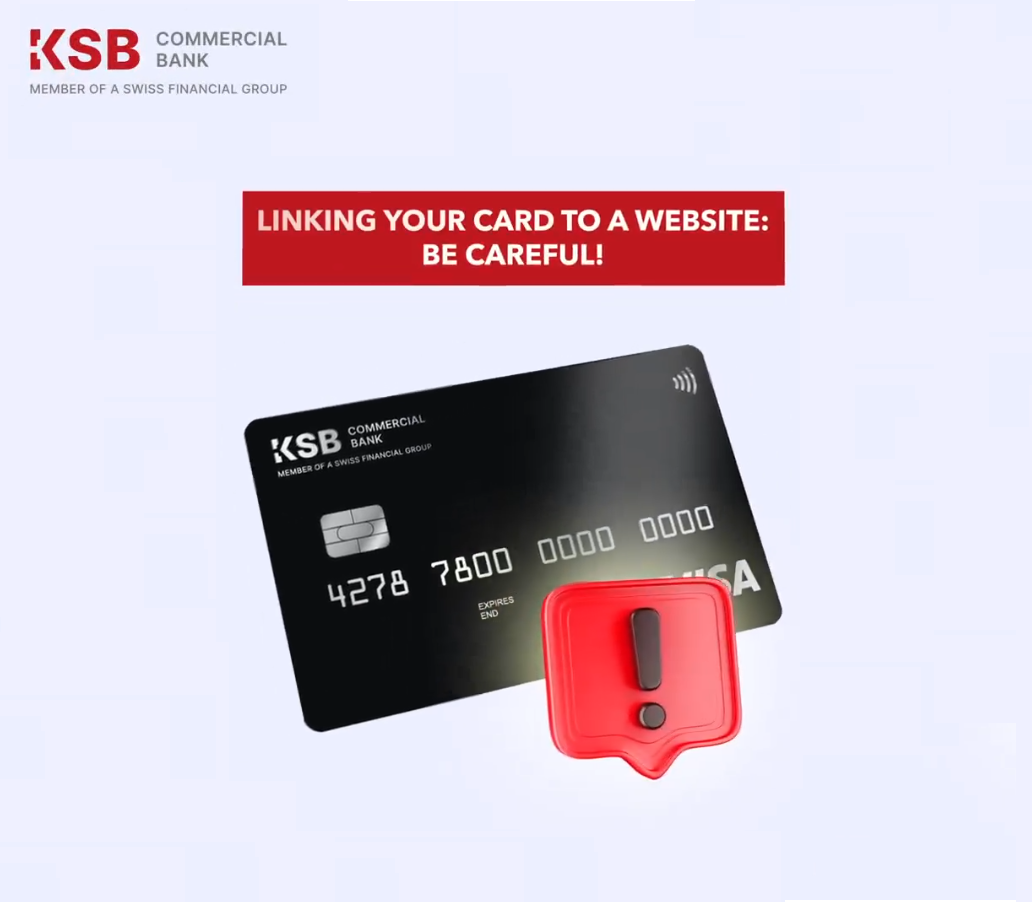
Linking a card to a website can be convenient, but it also carries the risk of automatic withdrawals without warning. In our animation, you will learn how to link a card, how to avoid unexpected withdrawals, and how to unlink a card after use.
How to link a card:
Log in to the website and select the card linking option.
Enter the card details and confirm the linking.
Important to remember:
The linked card can be used for automatic withdrawals without your additional consent.
How to unlink a card:
Go to your account settings on the website.
Select the card management section.
Find the linked card and click "Unlink".
Be careful and protect your funds!
The changes have been introduced in order to bring the documents into compliance with the legislation of the Kyrgyz Republic, as well as regulatory …
Dear customers, «KSB Commercial Bank» CJSC congratulates you on the upcoming May holidays! Due with the upcoming public holidays in the Kyrgyz Republic, «KSB …
Dear Clients, Please be informed that a new version of the Privacy Agreement will come into effect on May 18, 2026. Kindly take this …