
English
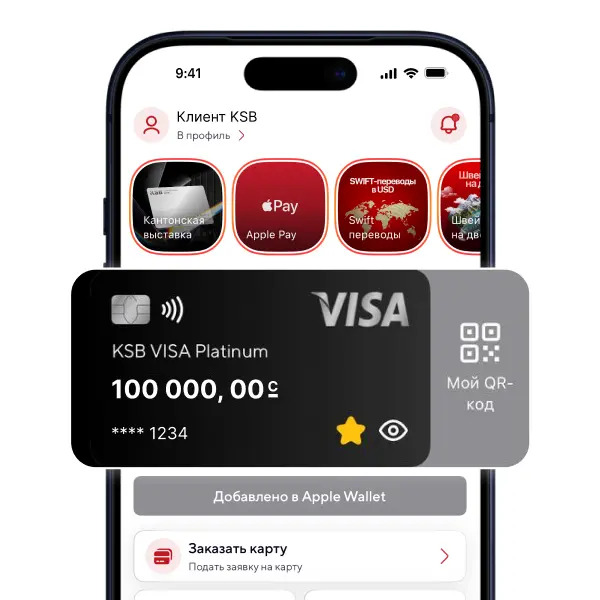
Elkart Contactless is a payment card with an NFC module that enables fast and secure contactless payments without handing the card to a third party.
The card can be used to pay for goods and services both within the Kyrgyz Republic and abroad. Simply tap the card to a payment terminal to complete a purchase — the transaction is processed instantly.

Currency
Release
Annual maintenance
Name of service |
Rate* |
|---|---|
Fee for the issuance of primary/additional card |
100 ⊆ |
Card production time |
up to 5 working days** |
Annual service fee of primary/additional cards |
100 ⊆ |
Cash withdrawal through the network of the Bank's devices |
0,3% |
Cash withdrawal through the network of the other banks' devices |
0,6% |
SMS-notification |
100 ⊆/month |
100 ⊆
up to 5 working days**
100 ⊆
0,3%
0,6%
100 ⊆/month
*The above tariffs are valid for individuals - residents of the Kyrgyz Republic. Detailed tariffs can be downloaded from the link below.
**Card issuance in standard mode takes up to 5 working days in Bishkek and Osh, up to 10 working days in other regions.
Currency |
Cash withdrawal at ATMs |
Non-cash purchases (Payment at POS terminals) |
Internet transactions (E-commerce) |
Number of transactions |
|---|---|---|---|---|
KGS |
100 000 ⊆ |
- |
- |
No more than 20 transactions |
KGS
100 000 ⊆
-
-
No more than 20 transactions
You can top up your card at our bank's cash desks, as well as via payment terminals across Kyrgyzstan:
You can find the nearest terminal in the 2GIS app. |
To top up your card through terminals, you must complete the following steps: |
1. Select a service in the main menu of the terminal. |
2. Enter the details (card number). |
3. Check the correctness of the data you have entered and press «Next». |
4. Place the desired amount of cash into the bill acceptor. |
5. Press the «Pay» button to complete the payment. |
You can top up your card at our bank's cash desks, as well as via payment terminals across Kyrgyzstan:
You can find the nearest terminal in the 2GIS app.
To top up your card through terminals, you must complete the following steps:
1. Select a service in the main menu of the terminal.
2. Enter the details (card number).
3. Check the correctness of the data you have entered and press «Next».
4. Place the desired amount of cash into the bill acceptor.
5. Press the «Pay» button to complete the payment.
*Attention! When using terminals, a commission fee is charged.
Управлять финансами ещё удобнее
Наведите камеру, чтобы скачать мобильное приложение KSB Online